

Using the Right File Encoding
All MineAcademy plugins use UTF-8 encoding. Using the wrong text editor or encoding will corrupt non-English characters, emojis, and color codes.
Recommended Text Editors
NEVER USE WINDOWS NOTEPAD OR WORDPAD
These default Windows editors do not handle UTF-8 encoding properly and will likely corrupt your configuration files.
For Windows Users
Notepad++ is highly recommended:
- Lightweight and fast
- Properly handles UTF-8 encoding
- Free and open-source
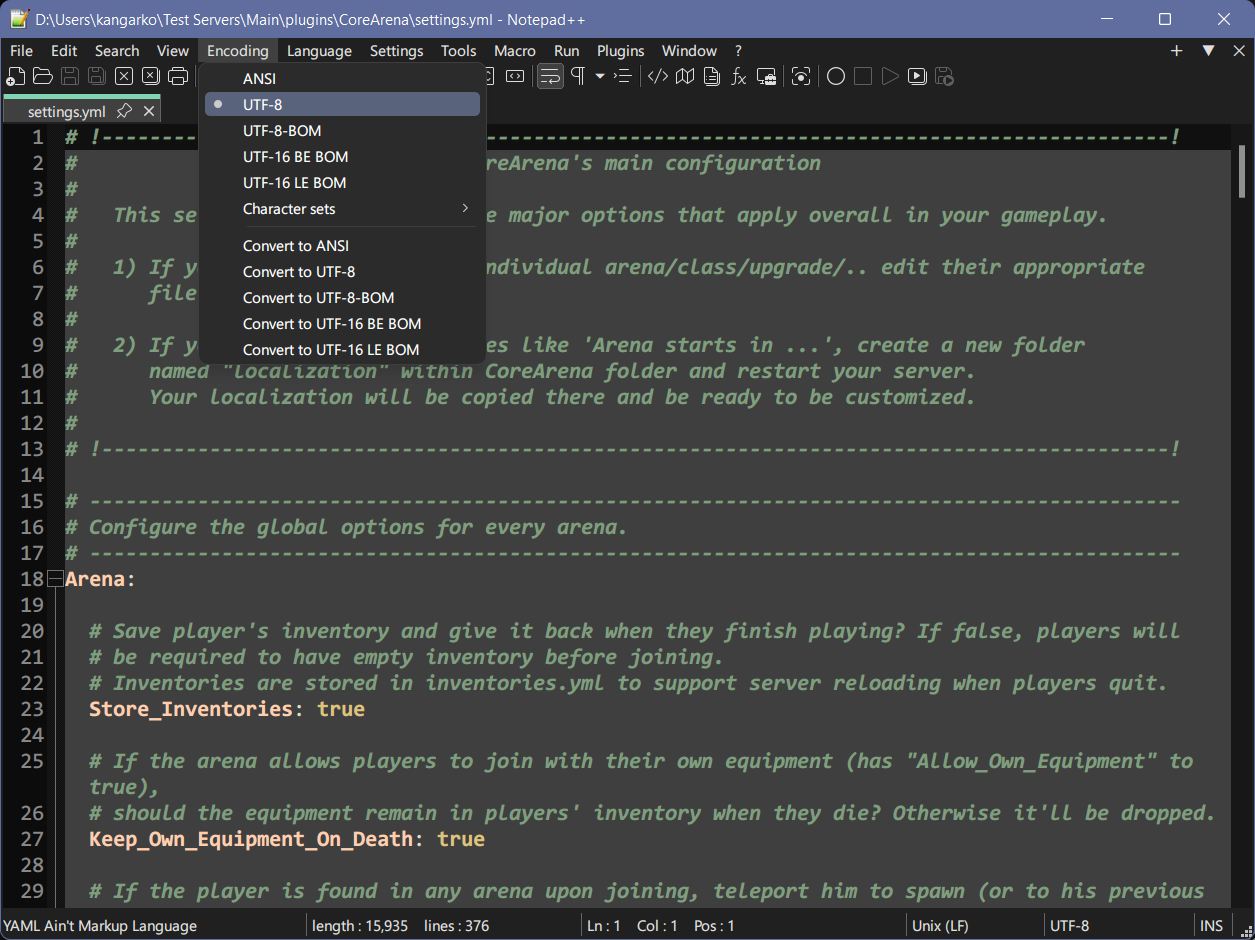
When using Notepad++:
- Open your configuration file
- Check the encoding in the top menu in "Encoding" tab
- Make sure it shows UTF-8 (without BOM) or UTF-8
- If it shows another encoding (like ANSI), change it by selecting:
- Encoding → Convert to UTF-8
For macOS and Linux Users
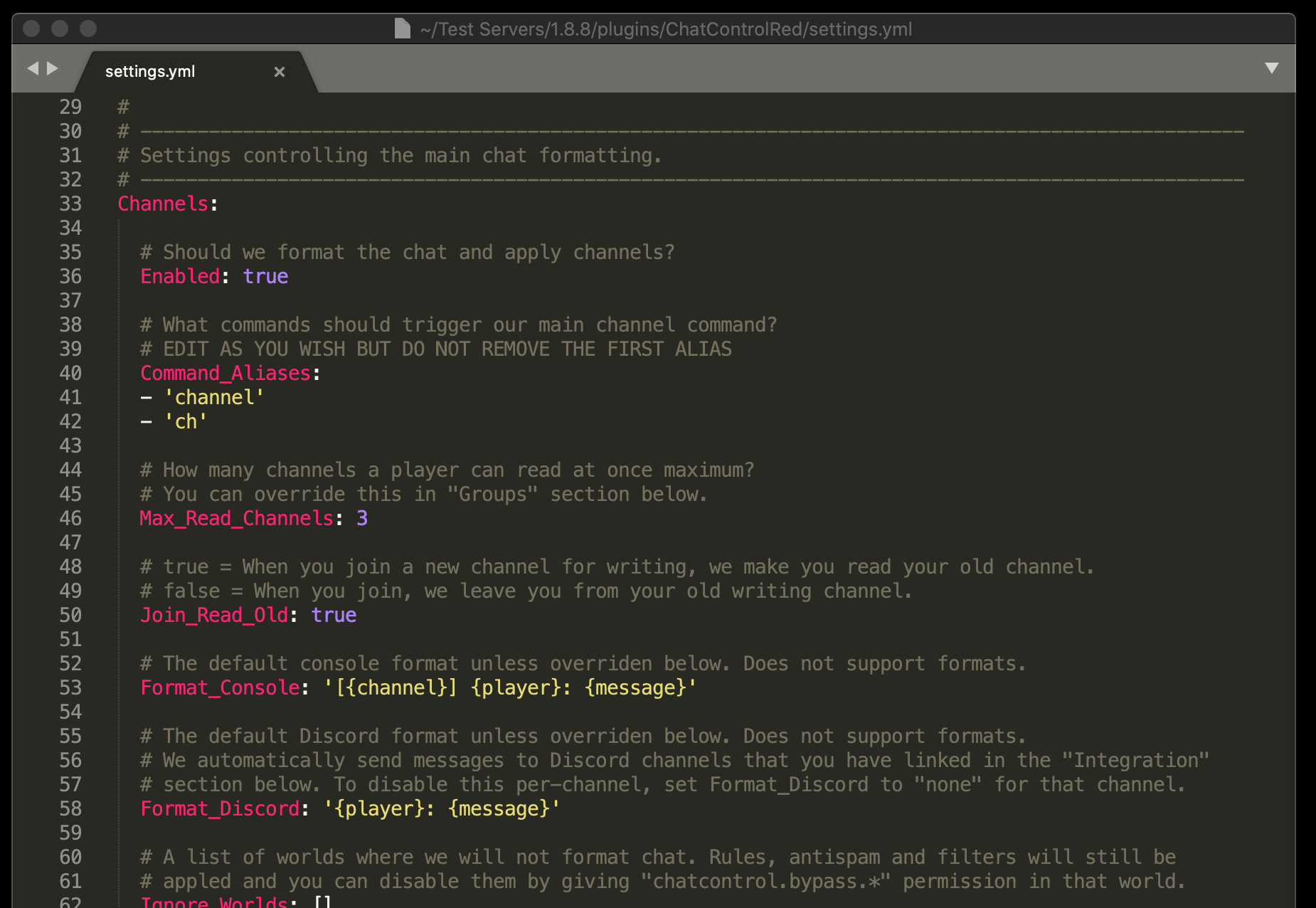
Sublime Text is recommended:
- Automatically detects encodings
- Clean interface
- Available on all major platforms
Visual Studio Code is also excellent:
- Free and open-source
- Built-in YAML support
- Shows encoding in bottom-right corner
Troubleshooting Encoding Issues
If You See Garbled Text
If your configuration shows corrupted characters like §6 instead of color codes or symbols:
- Make sure you're using a recommended text editor
- Verify the file is opened and saved with UTF-8 encoding
- Try regenerating the configuration file by:
- Backing up your current file
- Deleting it and restarting your server
- Copying your settings to the freshly generated file
For Server Startup Issues
If your server displays encoding errors at startup, try adding this Java flag to your startup script:
-Dfile.encoding=UTF-8Example startup command:
java -Xmx4G -Dfile.encoding=UTF-8 -jar server.jar nogui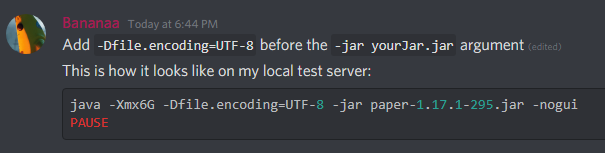
Testing Your Configuration
After editing, you can verify your YAML syntax with these online tools:
These will catch syntax errors before they cause problems on your server.
Persistently Garbled Text
On some systems, unicode characters may still appear as garbage despite correct encoding. This is an OS limitation — stick to basic characters or use escape sequences like \u2764 for ❤.