

Commands
This page covers all the available commands for CoreArena.
How to Use Commands
To use commands, simply execute them via the console or the in-game chat. Many commands support additional parameters, see below. All commands support tab-completion.
- [] = optional arguments
- <> = required arguments
TIP: The short variant for /corearena is /arena.
You can view the required permission directly within the error message when you attempt to execute a command you don't have access to.

Main Commands
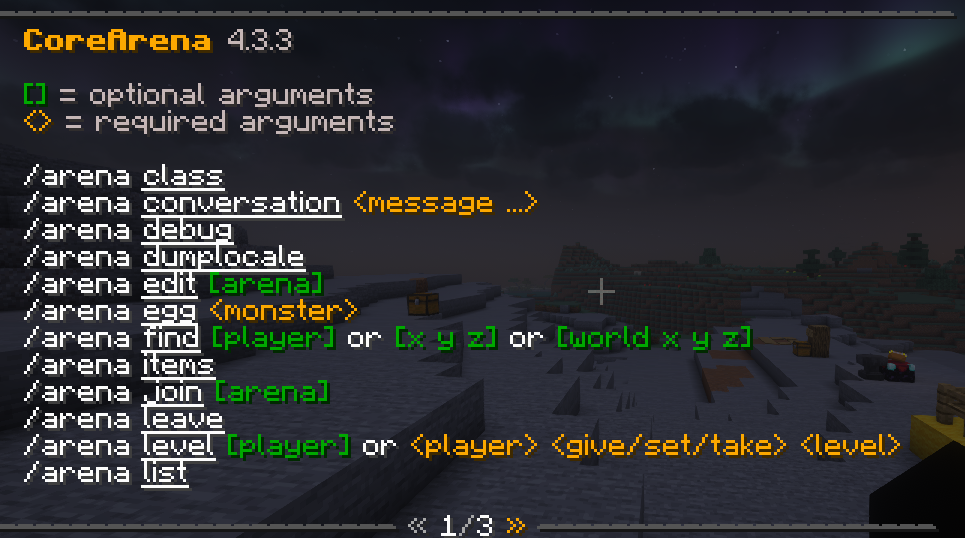
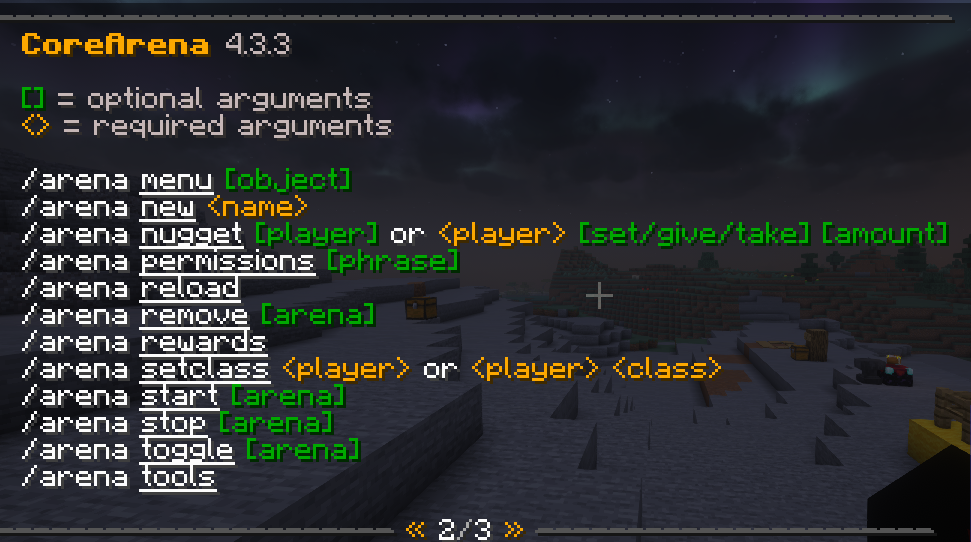
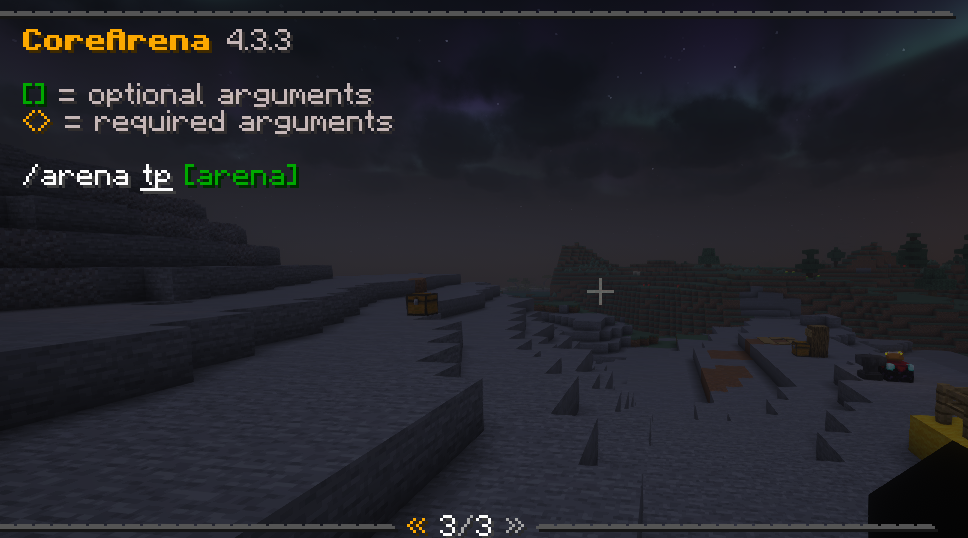
/arena join
Join an arena. Usage: /arena join [arena]. Requires corearena.command.join.{arena} permission.
/arena leave
Leave the current arena.
/arena list
List all available arenas with their status.
/arena start
Start an arena. A stopped arena opens its lobby, an arena in the lobby phase is force-started. Shows an error if the arena is in edit mode or not fully configured yet (finish the setup with /arena edit and /arena tools first).
/arena stop
Force-stop a running arena.
/arena new
Create a new arena. Enter edit mode and use tools to set up regions, spawn points, and spawners.
/arena edit
Toggle edit mode for an arena to modify its setup.
/arena find
Find nearby arenas.
/arena menu
Open the admin arena management menu.
/arena tools
Open the tools menu to get setup tools (Region Tool, Lobby Tool, Player Spawnpoint Tool, Monster Spawnpoint Tool, Clone Spawner Tool).
/arena items
Open the items editing menu for arena configuration.
/arena class
Open the class selection menu.
/arena rewards
Open the rewards menu.
/arena nugget
Manage player nuggets (arena currency).
/arena setclass
Set a player's class during the arena lobby. Usage: /arena setclass <player> [class]. Without a class name, shows the player's current class.
/arena remove
Delete an arena. Usage: /arena remove [arena]. Omit the name to remove the arena at your location.
/arena toggle
Enable or disable an arena. Usage: /arena toggle [arena]. Omit the name to toggle the arena at your location or in edit mode.
/arena level
Manipulate levels for in-arena players. Usage: /arena level [player] [give/set/take] [amount].
/arena egg
Get monster spawn eggs for arena spawners. Usage: /arena egg <monster>. Creates tagged eggs that only work with CoreArena spawners.
/arena perms
List all plugin permissions.
/arena reload
Reload the plugin configuration.
/arena tp
Teleport to an arena.
Tools
The following tools are available via /arena tools:
| Tool | Material | Function |
|---|---|---|
| Region Tool | Emerald | Define arena boundaries. Left click for primary, right click for secondary corner. |
| Lobby Tool | Diamond | Set the arena lobby spawn point. Click a block to set. |
| Player Spawnpoint Tool | Gold Ingot | Set player spawn points. Click blocks to add, break gold blocks to remove. |
| Monster Spawnpoint Tool | Iron Ingot | Set monster spawn points. Click blocks to add, break iron blocks to remove. |
| Clone Spawner Tool | Iron Hoe | Copy and paste monster spawner configurations. Right-click to copy, then right-click elsewhere to paste. |