

Logs
Using logs, you can see what happened in game while you were offline. If you have remote database enabled (in database.yml), these logs will go directly to your database.
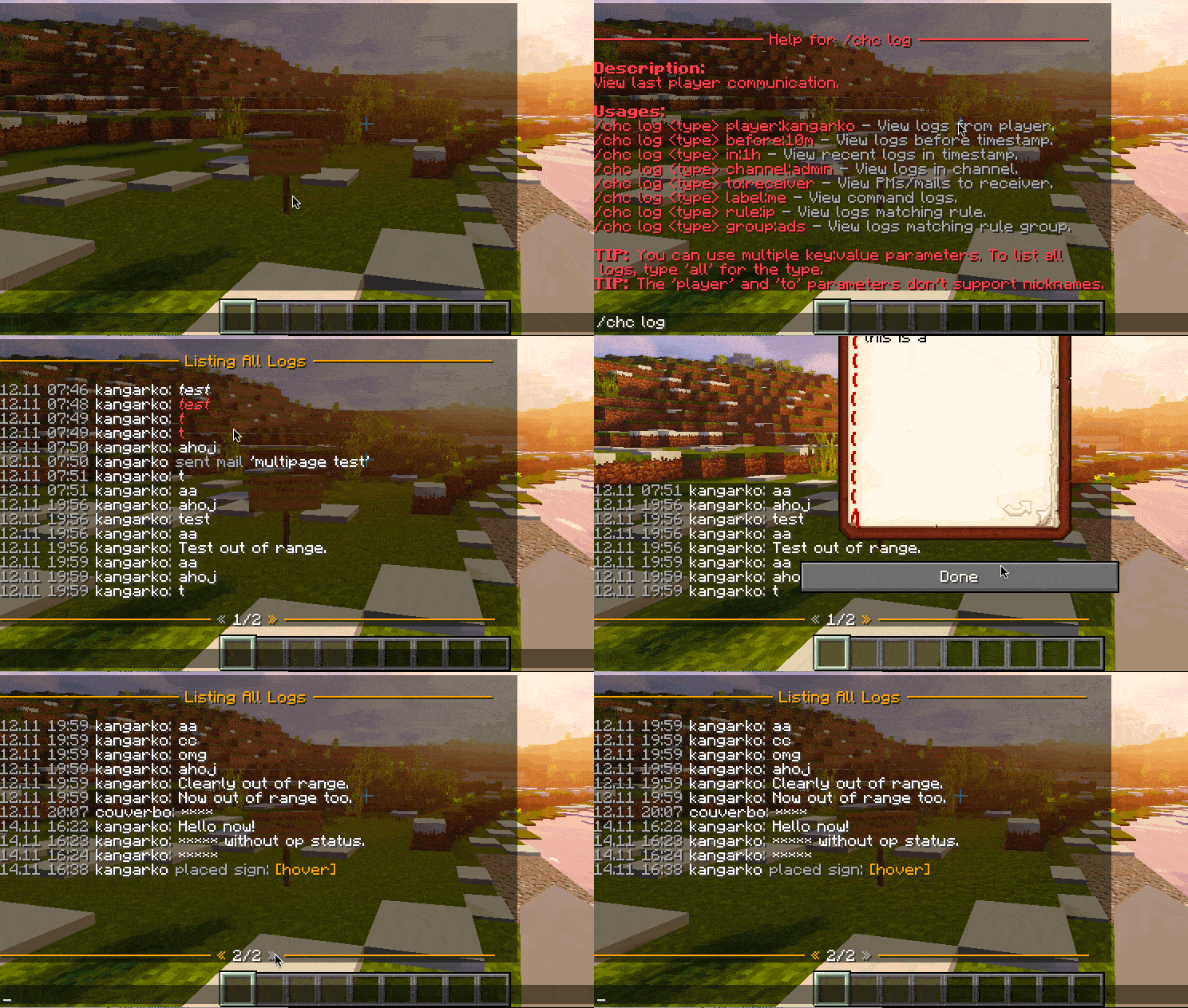
You can use logs on these aspects of game:
- Chat,
- commands,
- private messages,
- mails,
- signs,
- books, and
- items renamed on anvil.
You can use the "/chc log" command in game to view, and sort logs.
When several servers share a MySQL database, every line remembers the server it came from. Hover over a line in /chc log to see it, or add server:survival to list one server only. The name is the Server_Name from proxy.yml.
Logging Commands
You can also specify what commands will be logged in Command_List of settings.yml:
Command_List:
    - /tell
    - /pm
    - /mail
If you want to log all commands except for some, type "@blacklist" on the first line and then commands that should not be logged:
Command_List:
    - "@blacklist"
    - /login
    - /register
    - /reg
Bypassing Logs
Staff having chatcontrol.bypass.log permission won't have their actions logged.
Cleaning Logs
Logs will be automatically cleaned after the Clean_After threshold you set in the Log section of settings.yml.